
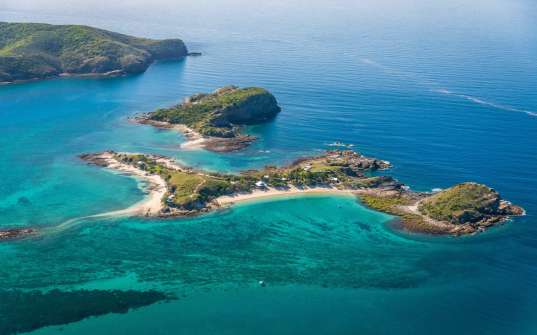
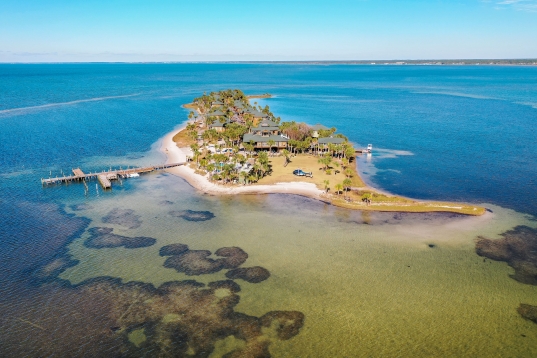
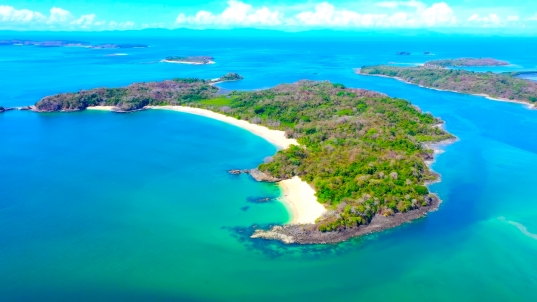
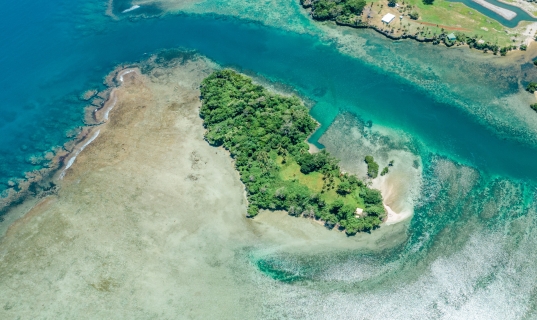
EXCLUSIVE PRIVATE ISLANDS
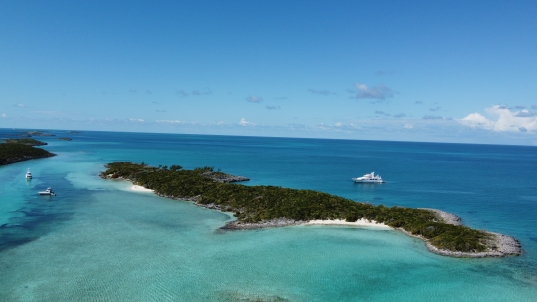
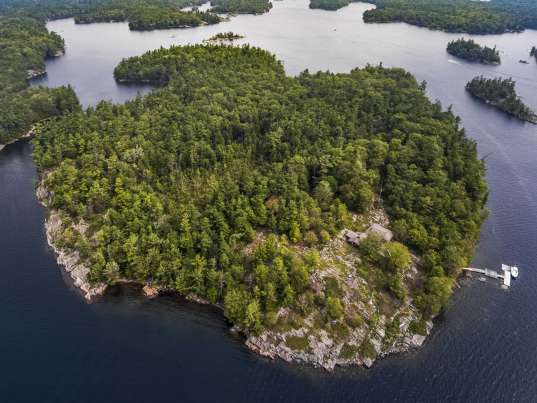
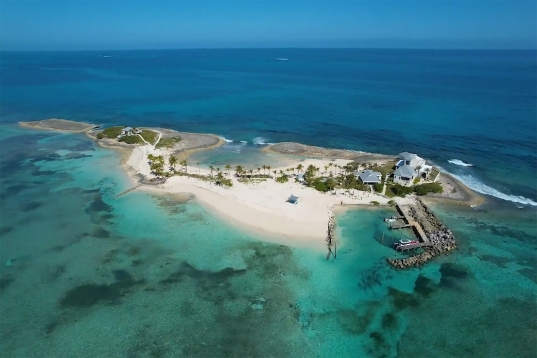
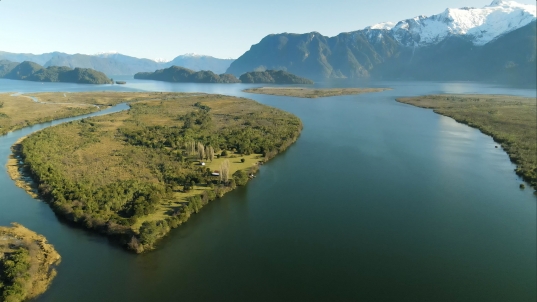
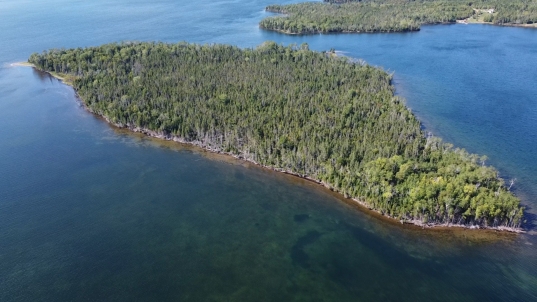
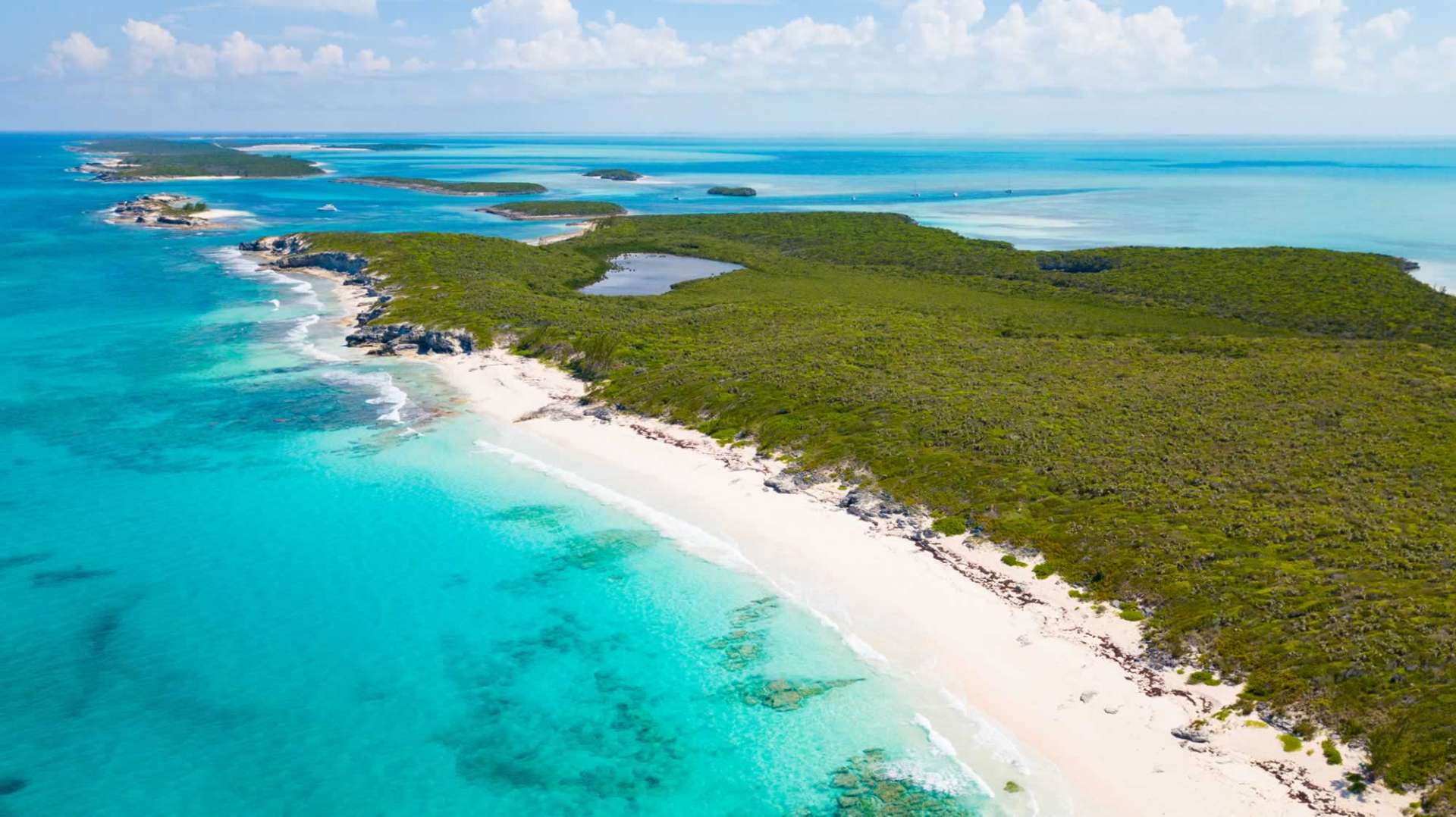
Your Personal Private Island Playground. Experience the whole island for just one group at a time. Stunning locations, ultra private and all Inclusive. Curated by Private Islands Inc.
VIEW OUR COLLECTION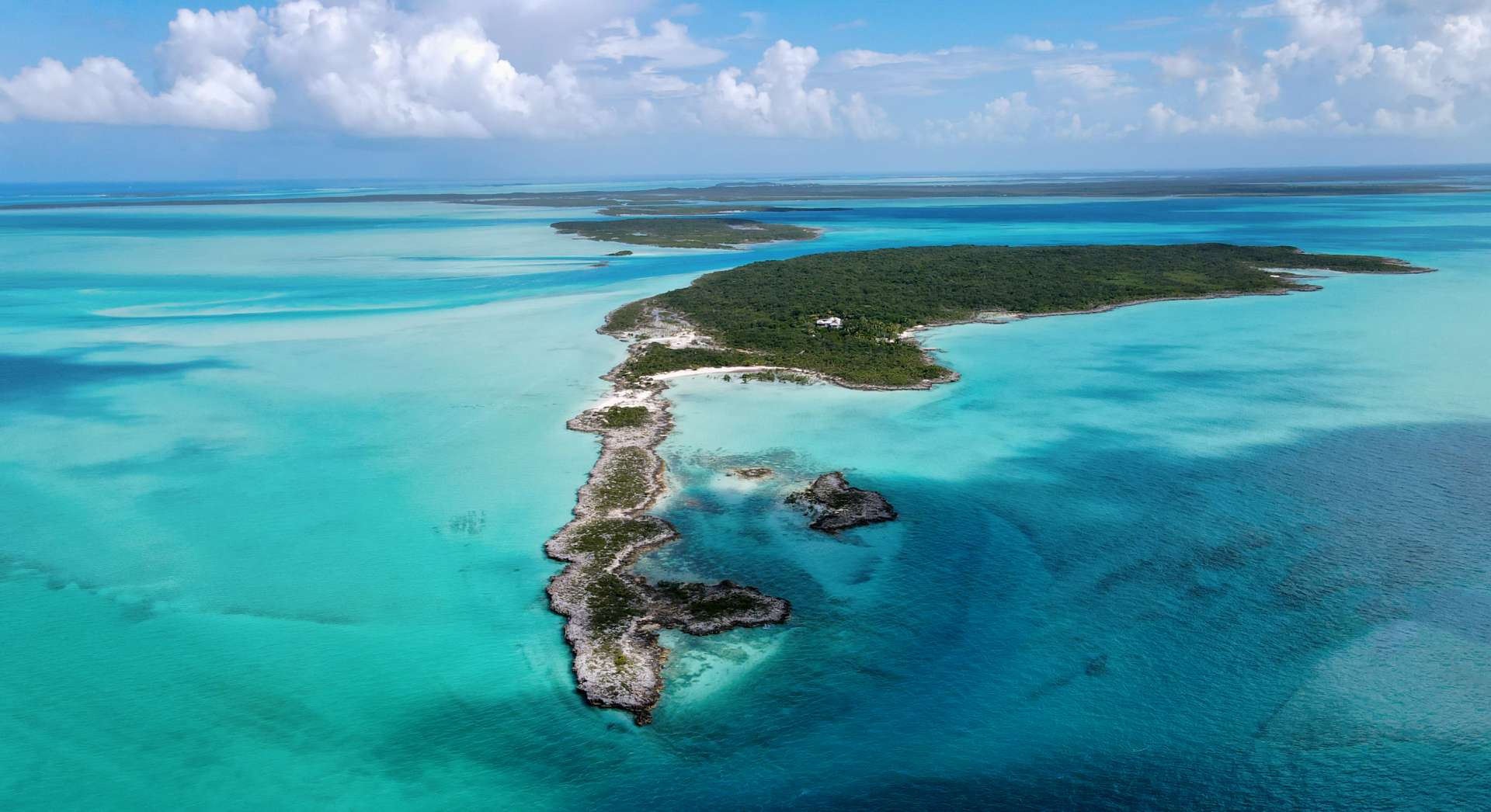
Order the current issue for USD 14.95 or subscribe to a 2-year subscription for USD 39.95. For a single issue, the shipping fee is USD 6.95 for addresses in the USA or USD 4.95 within Canada. For subscription service (4 issues over 2 years), the total shipping cost is USD 28.00 (USA) or USD 20.00 (Canada). For international shipping, please contact us at [email protected] with your mailing address and we will provide shipping options.
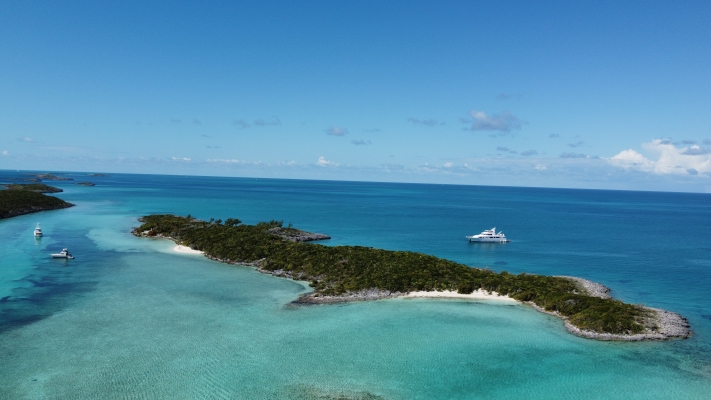
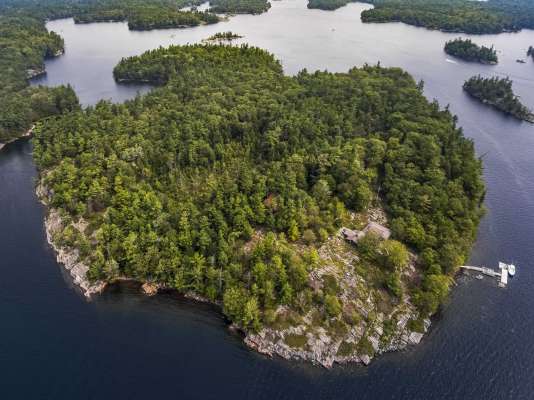
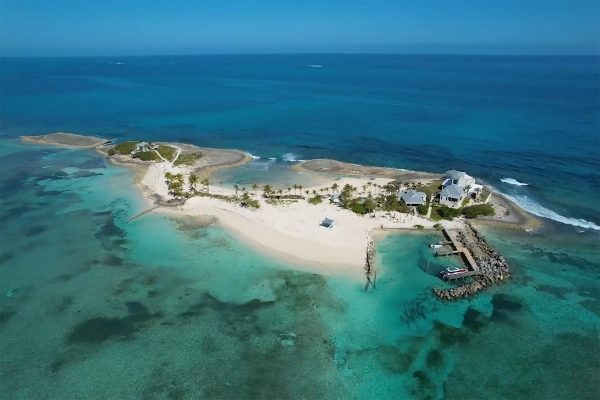
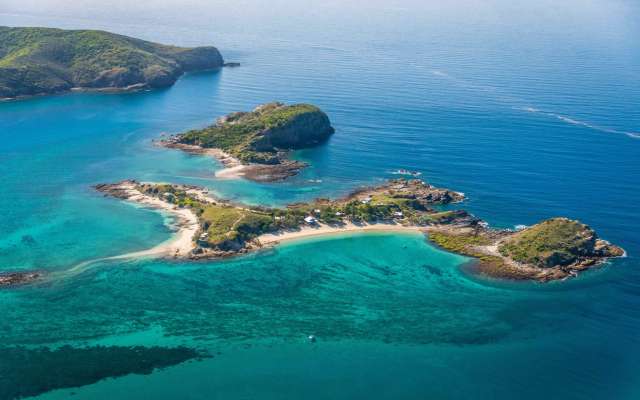
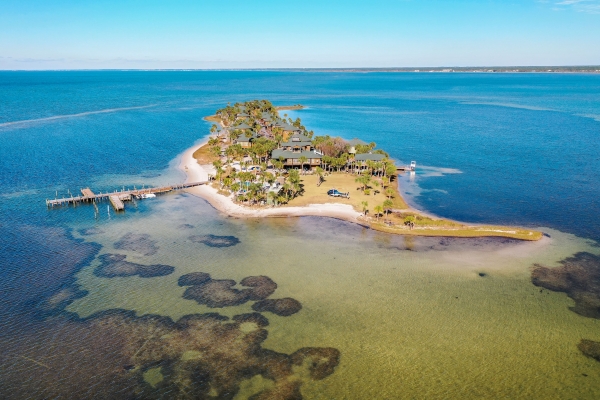
Your Personal Private Island Playground. Experience the whole island for just one group at a time. Stunning locations, ultra private and all Inclusive. Curated by Private Islands Inc.
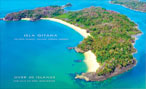
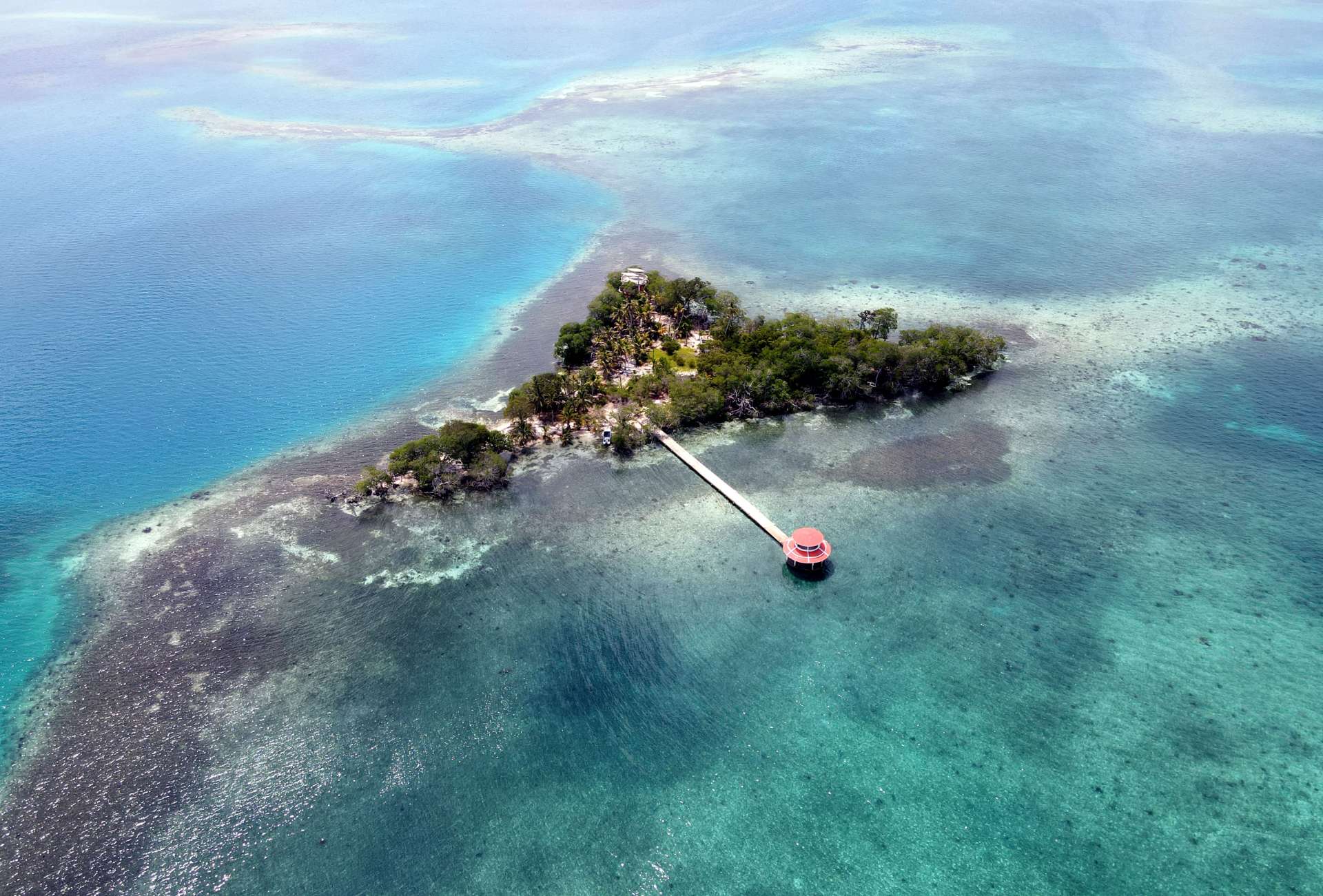
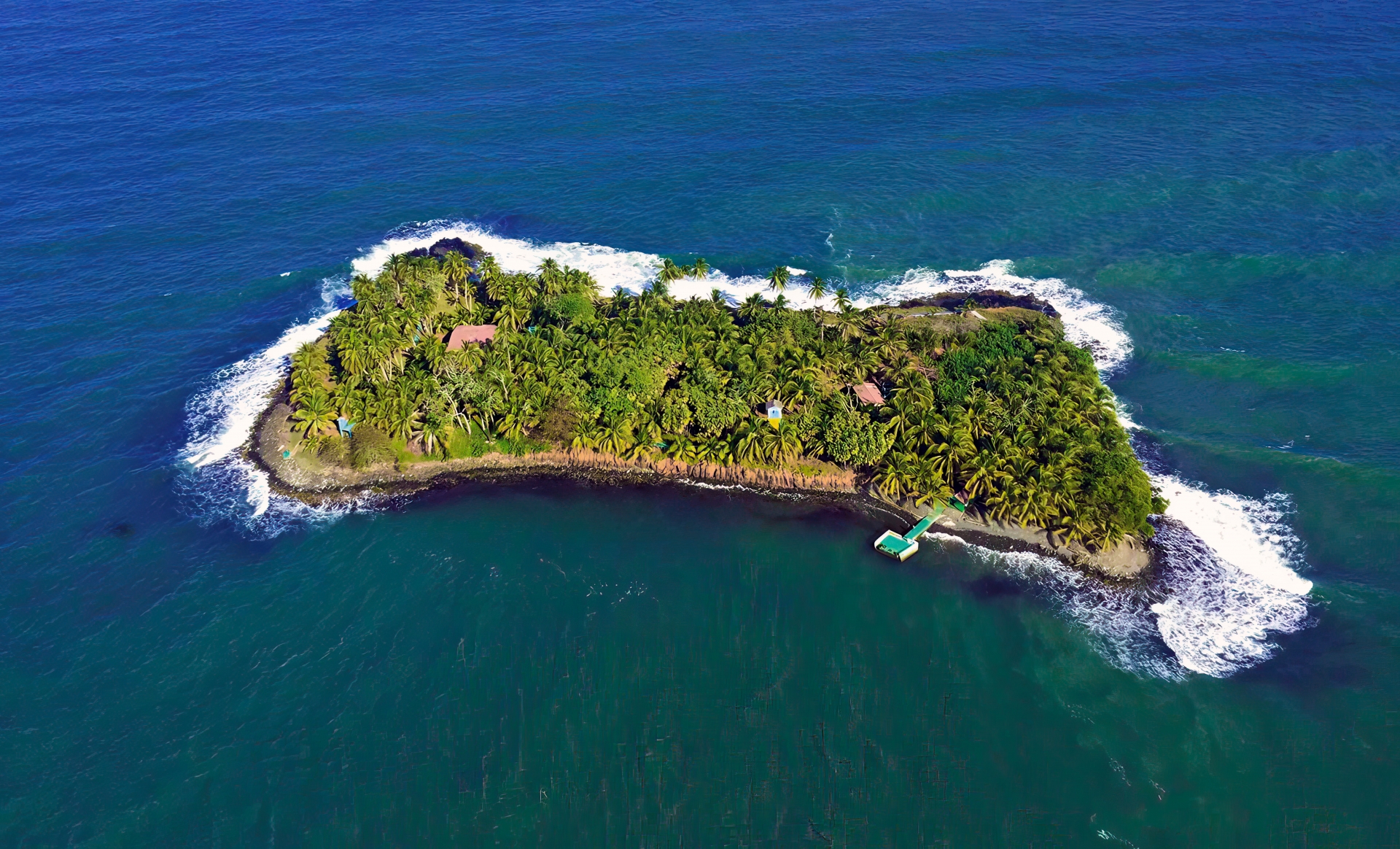
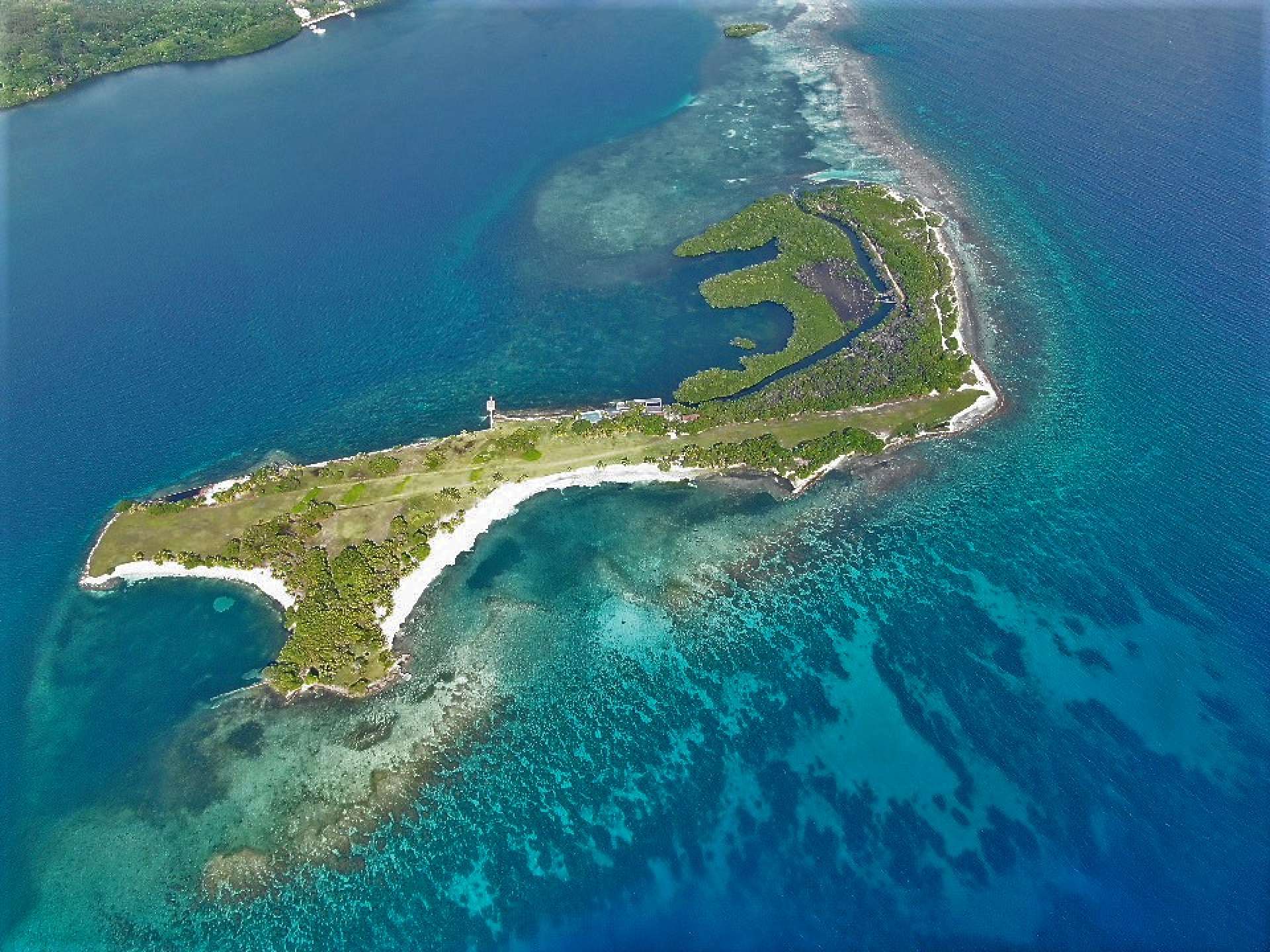
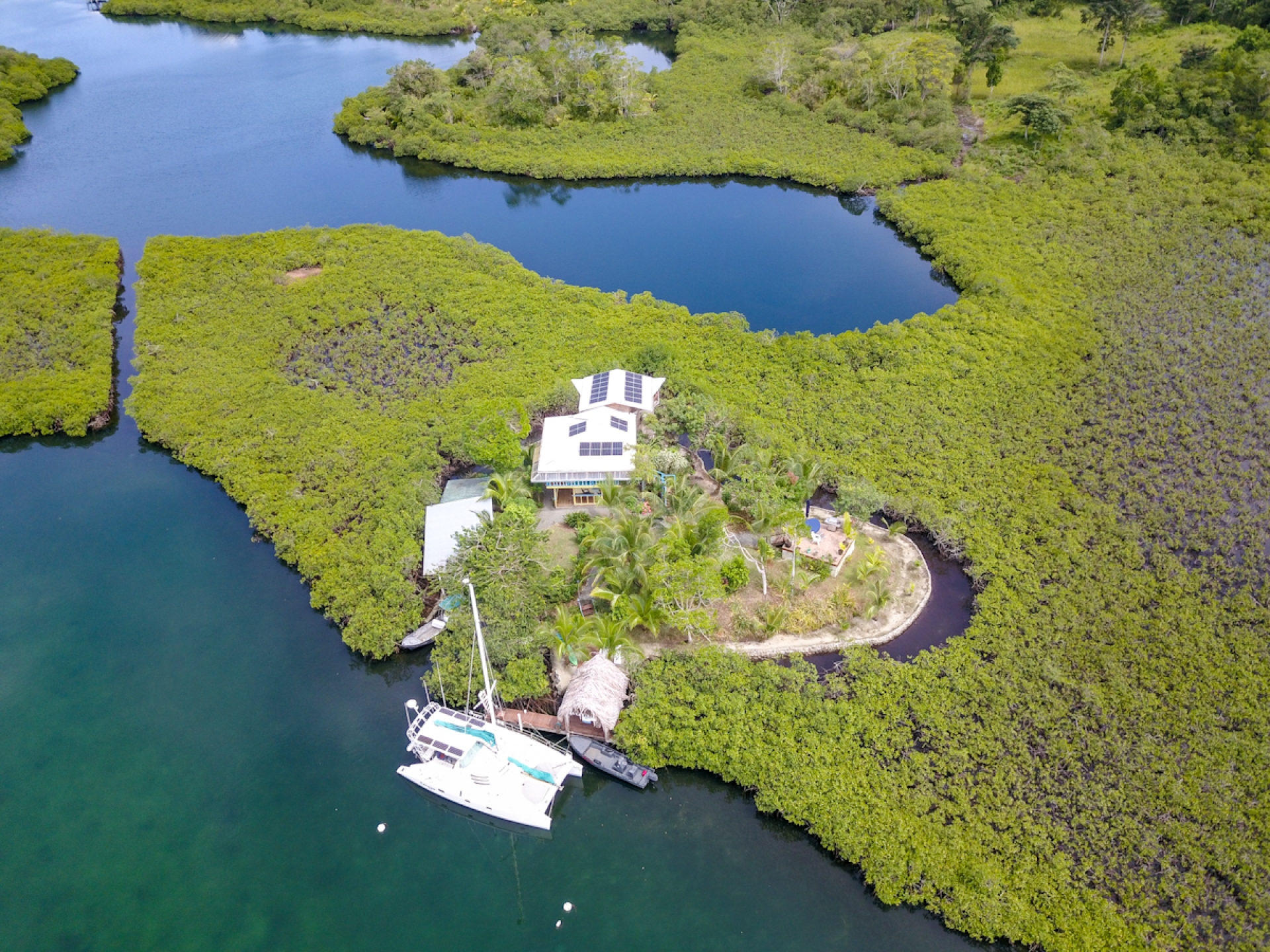
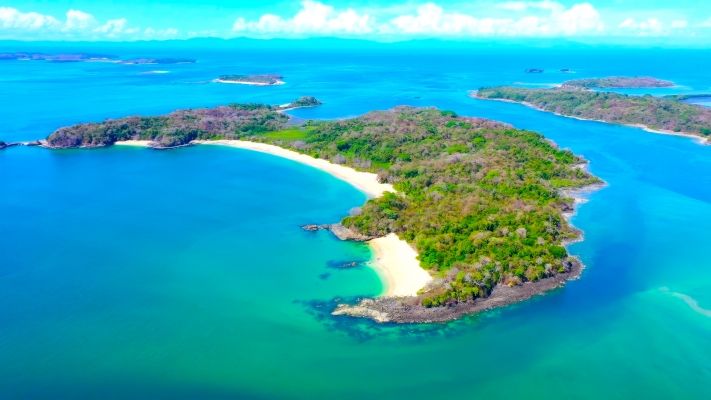
VIEW OUR COLLECTIONWe are delighted to announce the acquisition of an unparalleled private island, distinguished as the most exquisite in Central America. Our vision is to transform this gem into the region’s most exclusive private island resort. To realize this vision, we are actively seeking a partnership with a seasoned developer specializing in luxury resorts.
LEARN MORE